Not working properly?

I'm running this software on MacBook Pro using the latest OS - Mojave.
The issue I'm encountering is that the software is not scaling properly, for example when clicking full-screen it has some gaps. Below is a screenshot of what it looks when I ask for full screen -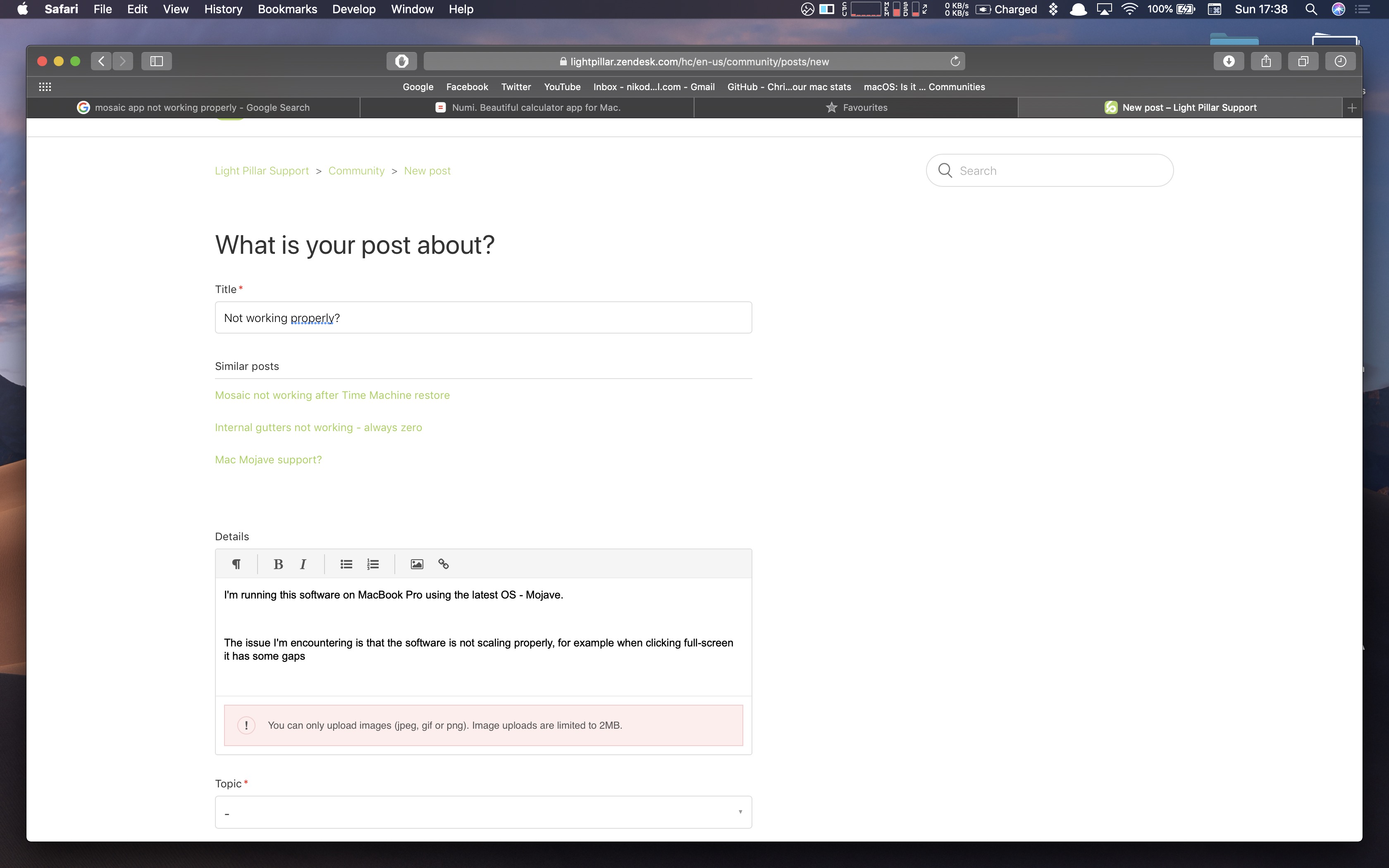 Here's how it looks when I click left -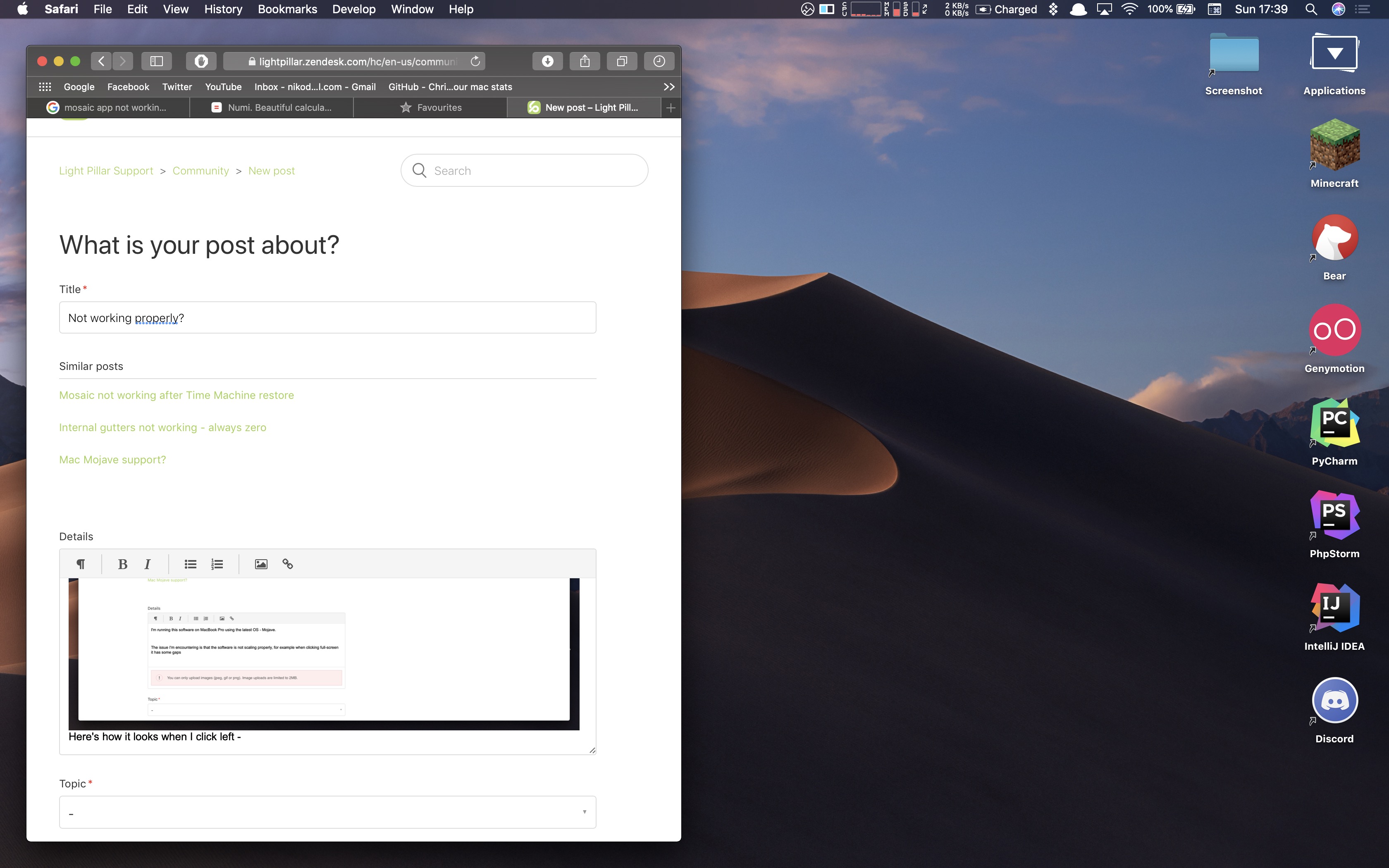
-

Five years later, this issue is still relevant. I'm a new user and didn't know anything about the gutter setting, and so I didn't realize the default gutter setting is not 0. So when I made apps "full screen" they didn't take up the full screen, either. Thanks for sharing the "fix". I don't know why the default isn't 0.


Please sign in to leave a comment.
Comments
5 comments